
1win Mobile App Overview
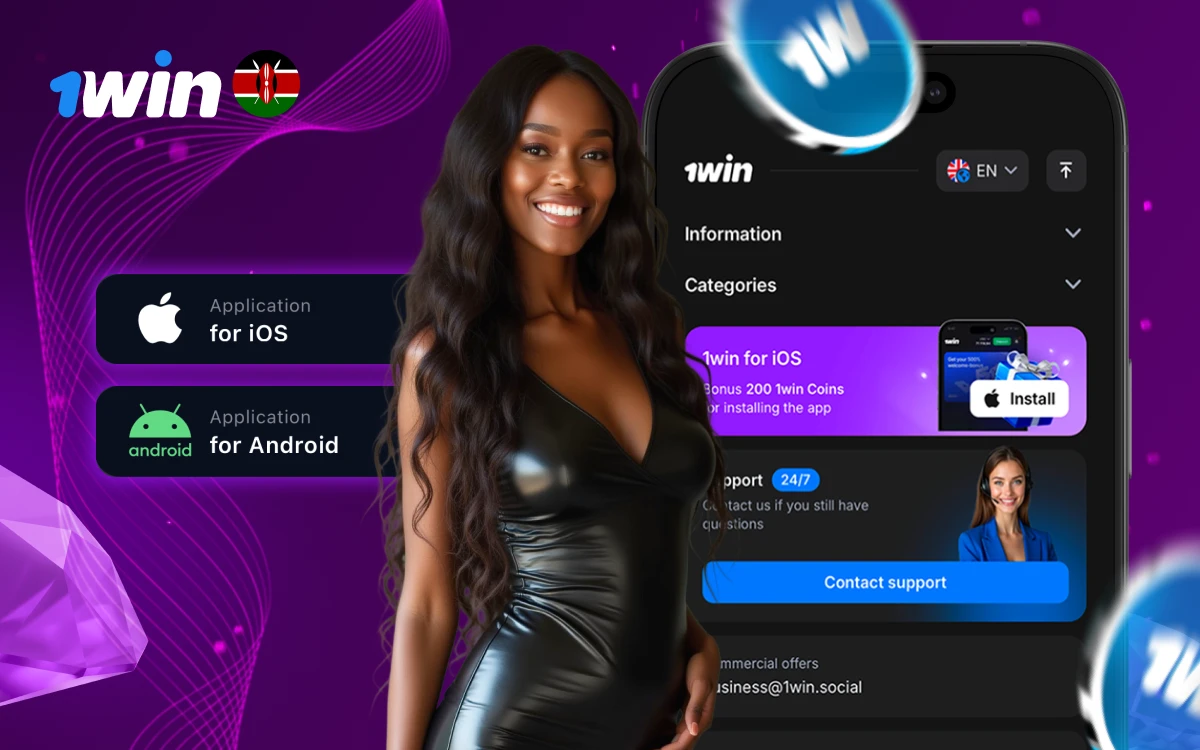
The 1win mobile application brings the complete platform experience to your smartphone or tablet. With a streamlined interface optimized for touchscreens, you can enjoy casino games, place sports bets, manage your account, and process payments from anywhere with an internet connection.
Download for Android
The Android app is available as an APK file directly from the official 1win website. Here's how to install it:
- Open the 1win website on your Android device
- Find the "Download App" section
- Tap "Download APK" to start the download
- Go to Settings > Security > Enable "Unknown Sources" (or "Install Unknown Apps")
- Open the downloaded APK file and tap "Install"
- Launch the app and log in or register
Download for iOS (iPhone & iPad)
iOS users can download the 1win app from the App Store:
- Open the App Store on your iPhone or iPad
- Search for "1win" in the search bar
- Tap "Get" to download and install the app
- Open the app and log in or create a new account
App Features
- Full access to 10,000+ casino games
- Live sports betting with real-time odds
- Push notifications for promotions and bet results
- Secure biometric login (fingerprint/Face ID)
- Fast deposits and withdrawals
- Live chat customer support
- Dark mode interface
System Requirements
| Platform | Minimum Version | Storage | RAM |
|---|---|---|---|
| Android | 5.0+ | 50 MB | 1 GB |
| iOS | 12.0+ | 60 MB | 1 GB |
| Windows | Windows 7+ | 100 MB | 2 GB |
